
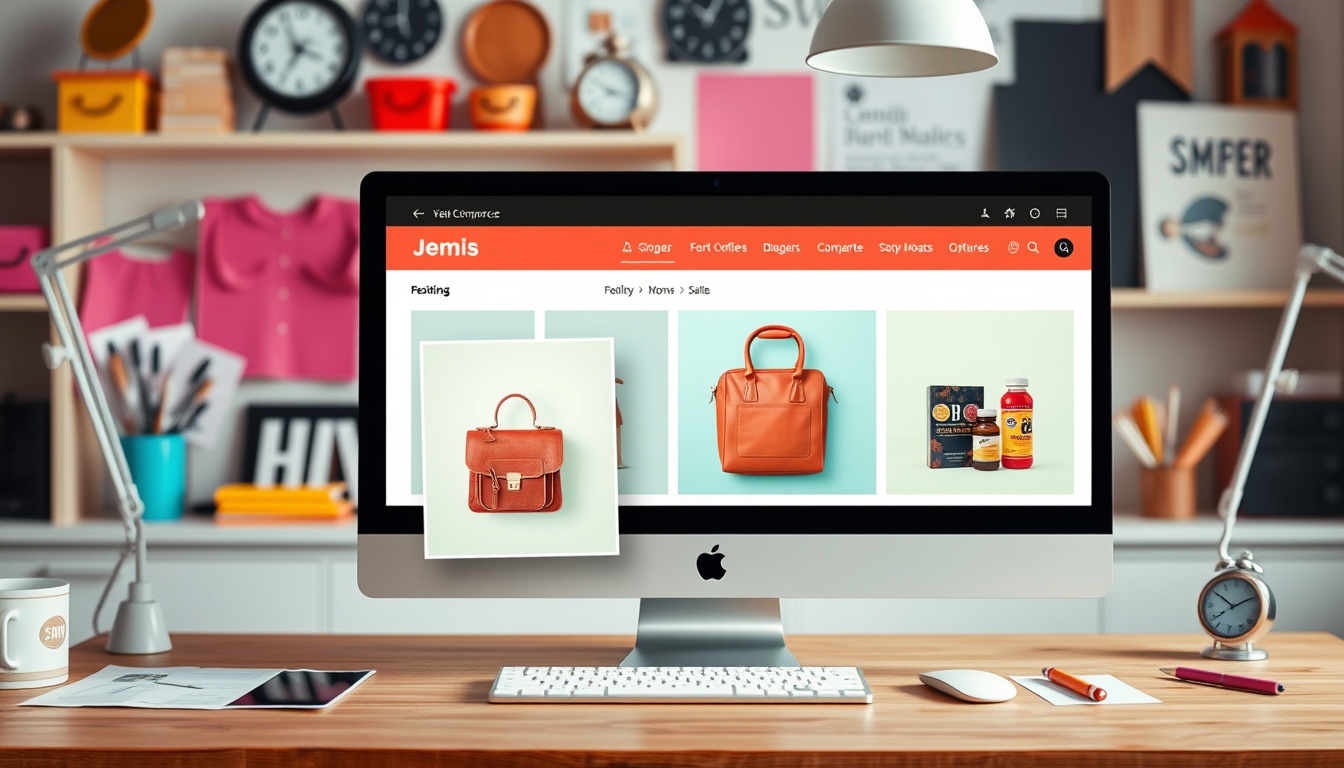
In the fast-paced world of ecommerce, ensuring that your products stand out is essential for driving sales and engaging customers. Enter the Featured Product Element, a revolutionary feature designed specifically for ecommerce store owners looking to enhance their online presence. This innovative tool allows you to prominently display a single product, complete with all its details, on any page of your website. Whether you’re looking to highlight a new arrival or push a seasonal sale, the Featured Product Element provides you with the flexibility and visual impact necessary to capture your customers’ attention. In this article, we’ll explore the key features of this drag-and-drop element, provide a user-friendly guide to its implementation, and showcase how it can redefine product showcasing on your digital storefront.
Key Takeaways
- The Featured Product Element allows ecommerce store owners to easily highlight a single product on any webpage.
- Customization options enable store owners to tailor the design and appearance of the Featured Product to fit their branding.
- This feature operates independently from other product pages, providing flexibility in displaying products without impacting the entire store layout.
Introduction to the Featured Product Element
## Introduction to the Featured Product Element
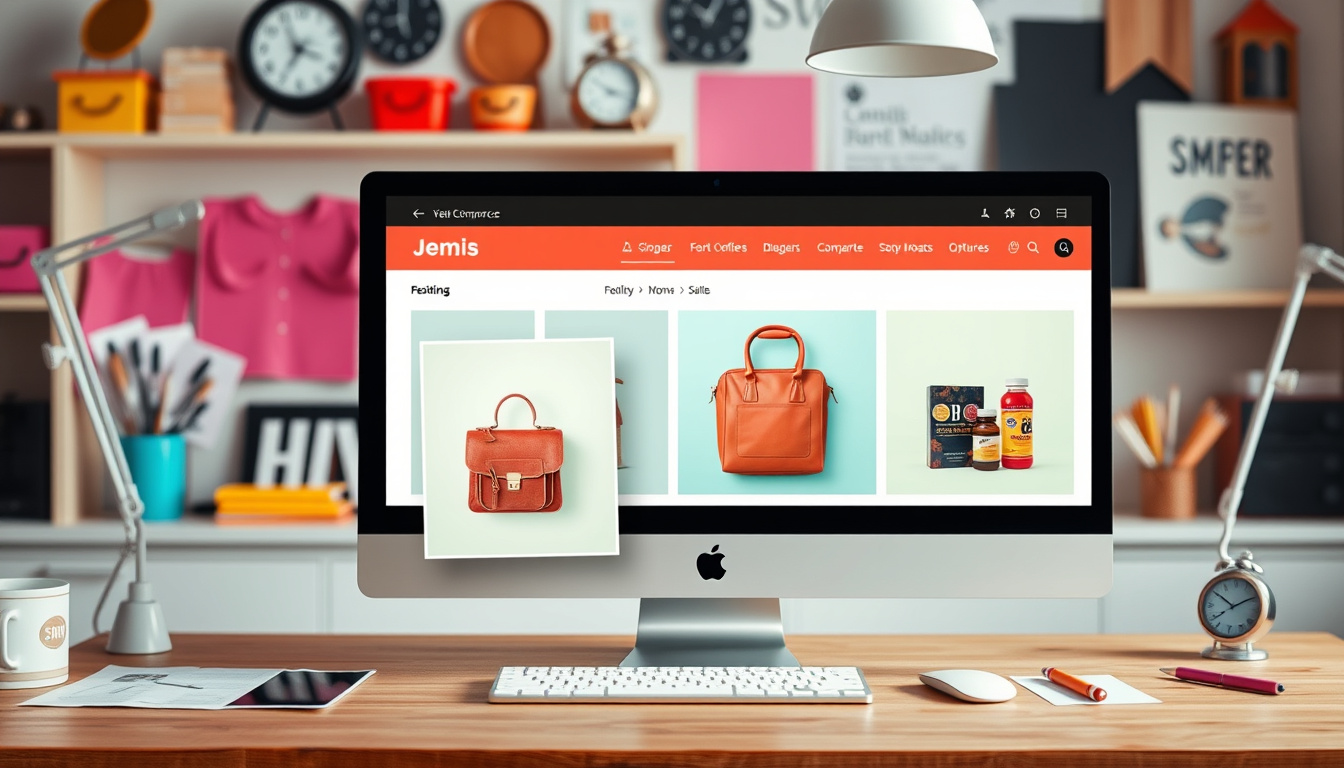
In the ever-evolving world of ecommerce, it’s crucial for store owners to find effective ways to highlight their products and engage customers. Enter the Featured Product Element, a revolutionary tool that enhances product display capabilities on ecommerce sites. This dynamic feature enables store owners to showcase a single product anywhere on their website, drawing attention to its details efficiently. With a seamless integration from the Builder’s Add Element section, users can effortlessly add this element to their desired pages. Once added, they can easily assign any product, complete with images, variants, pricing, and compelling call-to-action buttons, all via the intuitive settings panel.
Customization is key in today’s marketplace, and the Featured Product Element excels in this area. Users have the flexibility to tweak typography, colors, layout styling, and media alignment to fit the brand’s aesthetic and create a visually cohesive shopping experience. Moreover, it offers adjustable visibility options for elements such as ‘Add to Cart’, ‘Buy Now’, product descriptions, reviews, and even related products, empowering store owners to curate the perfect presentation.
To get started with the Featured Product Element, simply drag the element onto the chosen page and assign the product in the settings. Customize the layout and text options as desired, then save and publish the page to make your product shine.
An important note for users is that the Featured Product Element operates independently from Default and Custom Product Detail Pages (PDPs). This means any modifications made to this element will not affect other product pages, allowing for a focused showcase of one product at a time, rather than a collection or dynamic list. Additionally, store owners can create specific navigation links directly to the Featured Product page or utilize URLs for redirection, enhancing user accessibility.
In summary, the introduction of the Featured Product Element not only enriches the visual appeal of ecommerce websites but also significantly improves the flexibility of product showcasing, making it an indispensable tool for any online store owner looking to drive sales and engagement.
Step-by-Step Guide to Using the Drag-and-Drop Feature
Incorporating the Featured Product Element into your ecommerce store opens up new pathways to engage your customers, ultimately driving conversions. This feature is particularly beneficial for promotions or highlighting seasonal items, ensuring that pivotal products receive the attention they deserve. Beyond simply showcasing a product, the element allows for a curated experience tailored to the consumer’s journey; by providing them not just with a product’s imagery and pricing, but also comprehensive details such as reviews and related items, you’re equipping them with all the information needed to make an informed purchase decision. The user-friendly drag-and-drop interface empowers even those with minimal technical skills to enhance their website’s aesthetic appeal without needing extensive coding knowledge. As e-commerce continues to grow, leveraging such features can distinctly set your store apart from competitors, making superior product presentation a key component of your marketing strategy.
Zing Grow offers a comprehensive suite of tools to help businesses automate and enhance client relationships. Their platform provides features such as social media management, website chat widgets, forms and surveys, online appointment booking, email and SMS marketing, CRM and sales pipeline management, invoicing and payments, review and reputation management, and reporting and analytics. These tools streamline sales, generate leads, build brand presence, and improve customer engagement. For more information or to schedule a demo, visit their website.


