
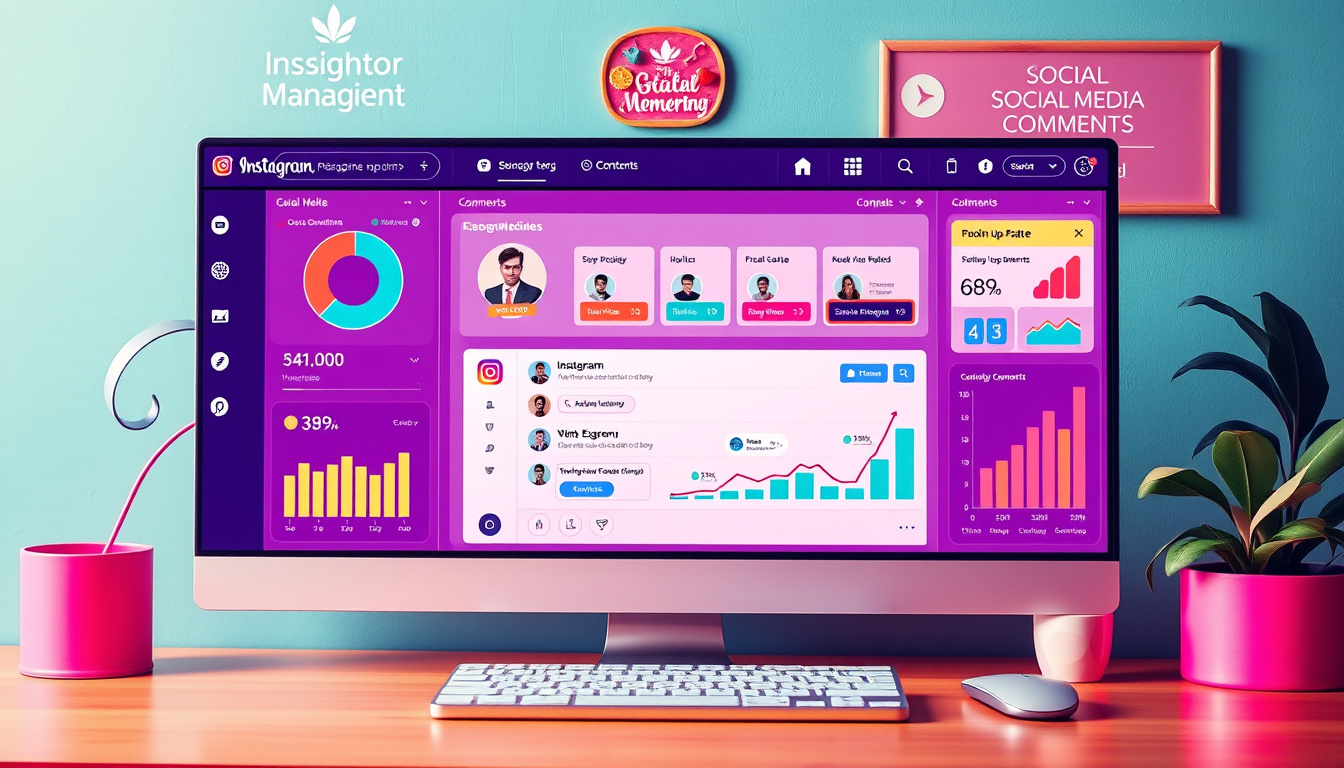
In the ever-evolving landscape of social media, effective engagement is paramount for brands looking to foster community connections and enhance their online presence. With the introduction of Instagram comment management within the Social Planner tool, managing interactions on two of the world’s largest social networks—Instagram and Facebook—just got significantly easier. This article explores the comprehensive features of this new integration and offers practical guidance on effectively utilizing the comment management system to bolster your social media engagement strategies.
Key Takeaways
- Users can now manage Instagram comments seamlessly alongside Facebook comments in the Social Planner tool.
- The new comment management feature allows for direct responses and maintains conversation context with threaded replies.
- Filters enhance user experience by enabling the viewing of comments based on latest or top responses.
Overview of Instagram Comment Management Features
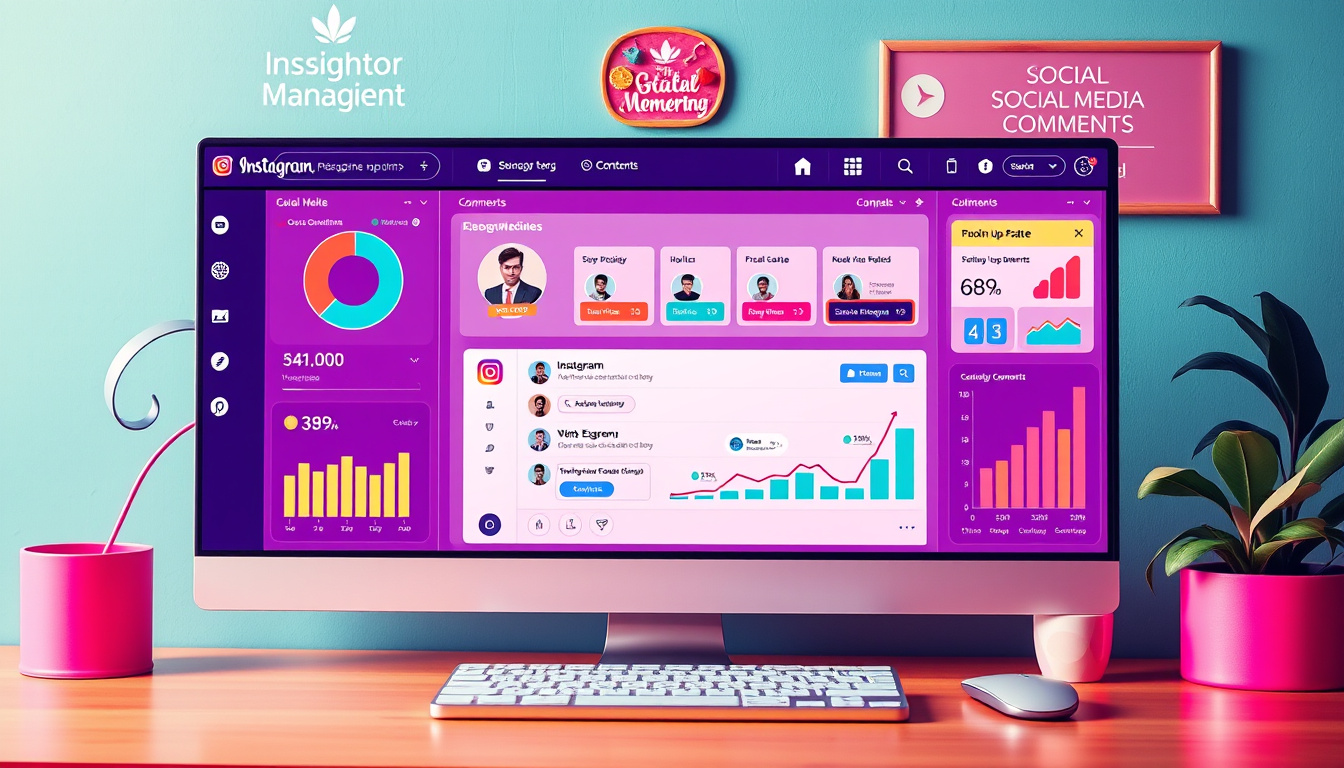
Instagram has recently introduced an exciting feature that streamlines comment management through its Social Planner tool. This new enhancement allows users to oversee comments from both Instagram and Facebook seamlessly within one interface, making community interaction easier and more efficient. Key functionalities include the ability to respond directly to comments, which not only simplifies engagement but also maintains the context of discussions through threaded replies. Users can further optimize their comment management by utilizing filters, enabling them to sort comments based on the latest or top responses. This approach not only saves valuable time but also promotes quicker, more contextual engagement with followers. By enhancing these interaction capabilities, Instagram aims to foster a more vibrant community atmosphere. For those eager to take advantage of this feature, clear instructions are provided for easy navigation. Additionally, Instagram has hinted at rolling out support for more platforms in the near future, which will further enrich the user experience.
How to Effectively Use the New Feature in Social Planner
Incorporating the new comment management feature into your routine can significantly enhance your social media strategy. First, log into your Social Planner account and navigate to the comments section where you’ll find all interactions consolidated from both Instagram and Facebook. This integration allows you to swiftly identify and respond to comments, fostering immediate engagement with your audience. Utilize the threaded replies to maintain meaningful conversations — this is especially beneficial for addressing questions or feedback in a more personalized manner. Additionally, make use of the filtering options; sorting comments by top or newest ensures that you never miss important interactions and can allocate your response time efficiently. Regularly monitoring these conversations not only bolsters audience relationships but also provides insights into customer interests and concerns, further informing your content strategy. As you get accustomed to these tools, you’ll find that enhancing community engagement has never been easier.
Zing Grow offers a comprehensive suite of tools to help businesses automate and enhance client relationships. Their platform provides features such as social media management, website chat widgets, forms and surveys, online appointment booking, email and SMS marketing, CRM and sales pipeline management, invoicing and payments, review and reputation management, and reporting and analytics. These tools streamline sales, generate leads, build brand presence, and improve customer engagement. For more information or to schedule a demo, visit their website.


