
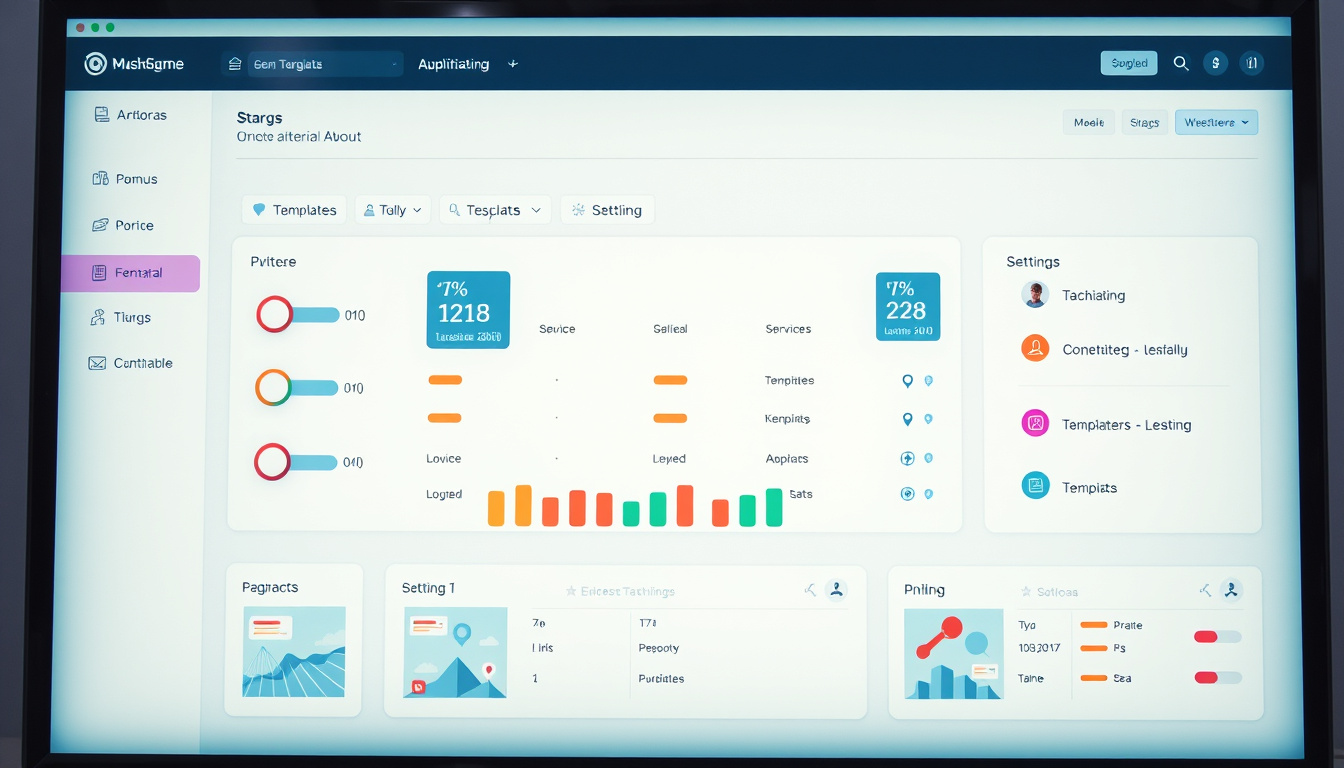
In today’s fast-paced digital environment, organizations are constantly on the lookout for ways to streamline their processes and enhance productivity. The Template Library’s recent updates to its Settings screen cater to this need, allowing users to manage their settings more effectively and efficiently than ever before. With a cleaner design, simplified navigation, and new features like the Default Preview option, these enhancements promise to revolutionize how templates are managed. Let’s explore the remarkable improvements and how you can leverage them to maximize your management experience.
Key Takeaways
- The Template Library’s Settings now features a cleaner and more intuitive layout.
- Users can navigate settings more quickly thanks to simplified navigation improvements.
- The new ‘Default Preview’ option allows for quick assessments of default setups across sub-accounts.
Improved User Interface for Enhanced Usability
### Improved User Interface for Enhanced Usability
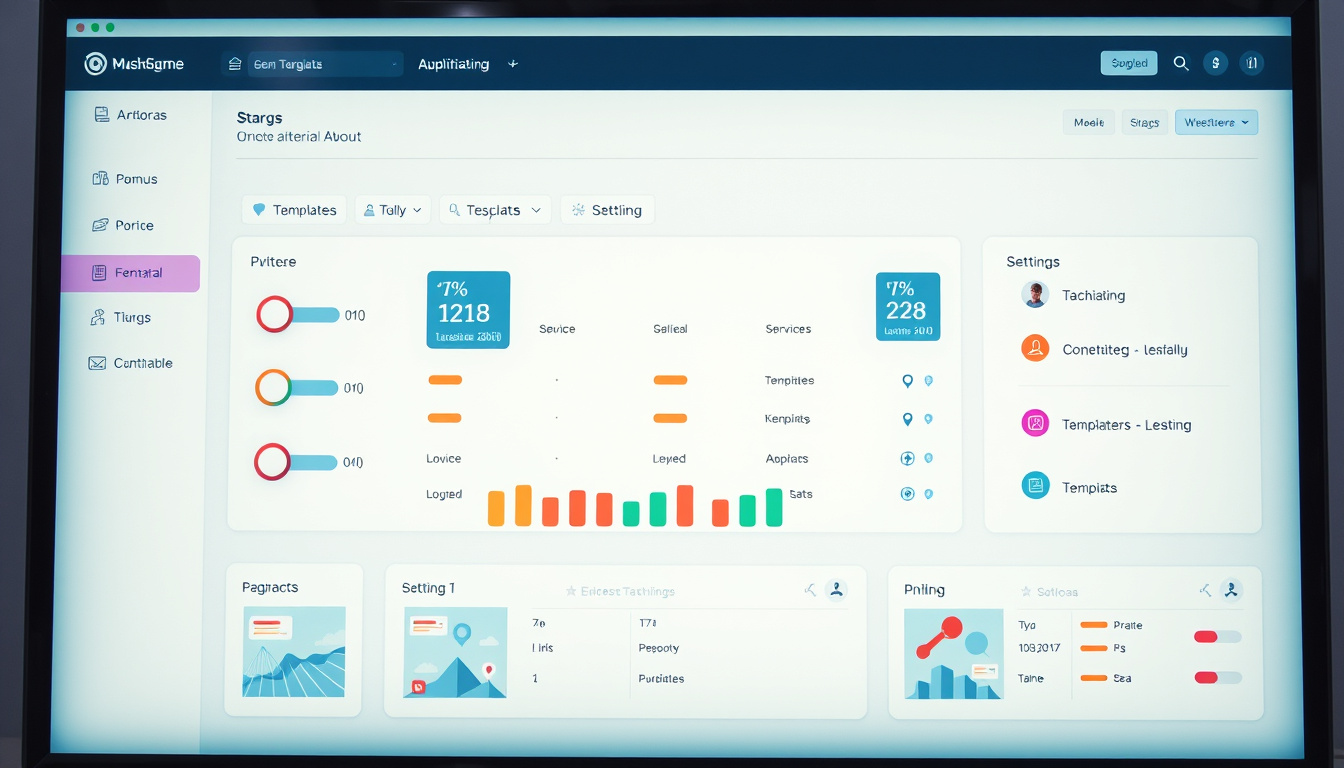
In the ever-evolving landscape of digital tools, user interface (UI) is paramount for ensuring usability and efficiency. The recent updates to the Template Library’s Settings screen have brought significant enhancements that prioritize user experience. One of the most notable changes is the introduction of a cleaner and more intuitive layout, designed to reduce clutter and confusion. This streamlined design facilitates simplified navigation, enabling users to access various settings more swiftly than ever before. With just a few clicks, administrators can efficiently manage types, tags, and other essential options, enhancing their workflow.
Moreover, the new ‘Default Preview’ feature stands out, allowing users to quickly assess the default configurations for sub-accounts. This is particularly useful for agencies managing multiple clients, as it lets them verify what their locations are viewing without the need for custom adjustments. To utilize this feature, users can easily navigate to the Template Library Admin screen from the Agency view, access the Settings menu, and explore the Default Preview options across different tabs. These thoughtful improvements not only enhance usability but also empower users to make informed decisions quickly, overall optimizing their experience within the Template Library.
Navigating the New Default Preview Feature
As digital marketing continues to evolve, the importance of intuitive tools like the Template Library cannot be overstated. The recent enhancements to the Settings screen are designed with the modern user in mind. Users can look forward to experiencing a more refined interface that emphasizes simplicity and efficiency. Now, locating and managing essential features has become a breeze, significantly reducing the time spent searching for options. The streamlined navigation mechanism allows users to transition effortlessly between different settings, making adjustments to types, tags, and other critical elements with greater ease. The introduction of the ‘Default Preview’ feature adds yet another layer of convenience; it enables users to quickly glimpse the standard configurations of sub-accounts, ensuring all client locations are set up optimally. By prioritizing clarity and effective management tools, the Template Library enhances user experience and empowers agencies to focus on delivering exceptional services to their clients.
Zing Grow offers a comprehensive suite of tools to help businesses automate and enhance client relationships. Their platform provides features such as social media management, website chat widgets, forms and surveys, online appointment booking, email and SMS marketing, CRM and sales pipeline management, invoicing and payments, review and reputation management, and reporting and analytics. These tools streamline sales, generate leads, build brand presence, and improve customer engagement. For more information or to schedule a demo, visit their website.


