
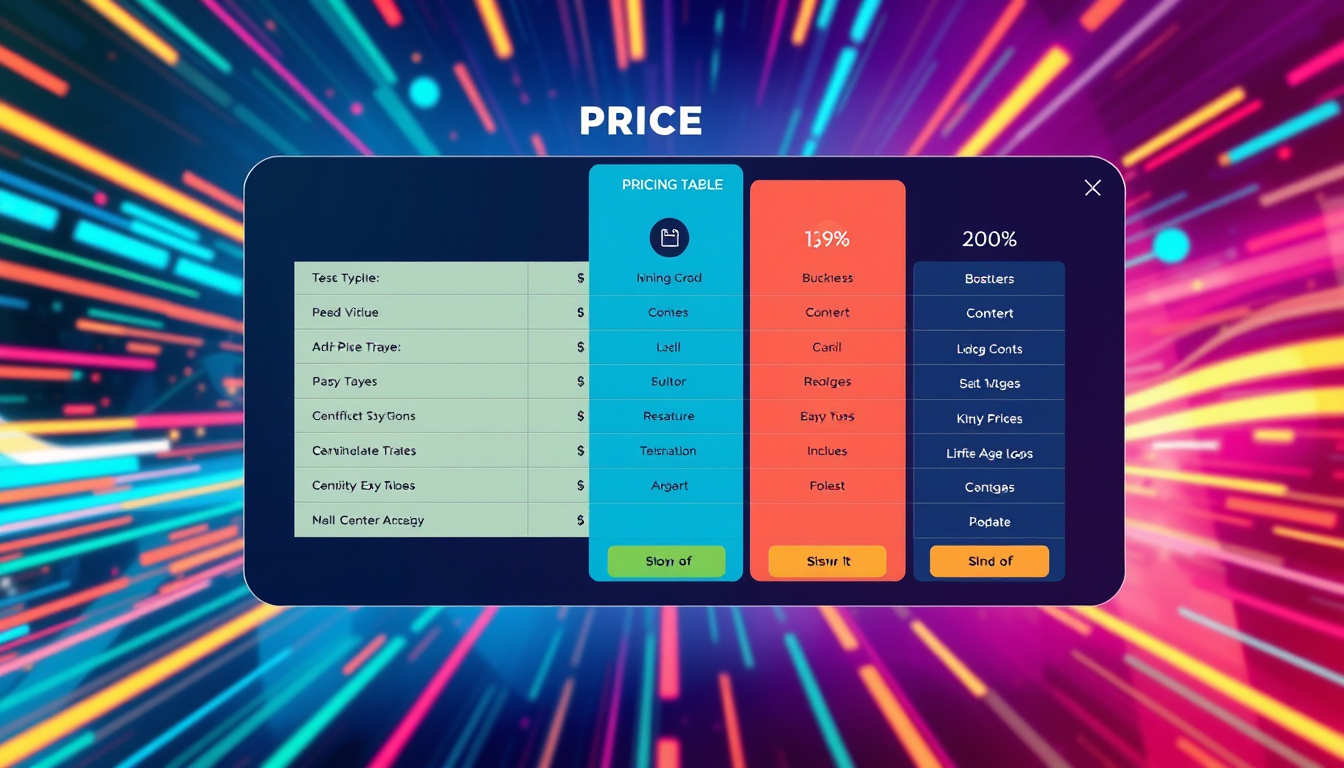
In today’s competitive digital landscape, effectively communicating your pricing options is crucial for capturing your audience’s interest and driving sales. That’s why we’re thrilled to introduce exciting updates to our Pricing Table feature, designed to make it easier than ever for users to showcase plans on funnels, websites, blogs, and e-commerce stores. With new layout options, flexible pricing models, and enhanced buttons, these improvements will not only boost visual appeal but also enhance user engagement. Let’s dive into the details and discover how you can leverage these powerful new features to unlock the full potential of your pricing strategy.

Key Takeaways
- The new Pricing Table feature now offers multiple layout options, including Grid, Carousel, Classic, and Comparison modes.
- Users can customize their pricing displays with various models such as fixed prices, subscriptions, and highlighted discounts.
- Enhanced buttons allow for flexible linking options and customization to improve user engagement.
New Layout Options: Enhance Visual Appeal and Functionality
In a significant update aimed at improving user experience, the latest enhancements to the Pricing Table feature empower businesses to present their plans with greater visual appeal and functionality on various digital platforms such as funnels, websites, blogs, and e-commerce stores. First and foremost, users can now enjoy new layout options that cater to diverse aesthetic preferences and display needs. The versatile grid mode provides a sleek card layout that accommodates up to five columns, making it perfect for showcasing multiple offerings simultaneously. For a dynamic approach, the carousel mode adds a touch of interactivity with its sliding format that auto-plays and pauses when hovered over, enticing visitors to explore further. For those who prefer a more traditional layout, the classic table design with horizontal scrolling serves as a familiar yet effective choice. Additionally, the comparison table allows potential customers to make informed decisions by facilitating easy side-by-side comparisons while keeping the first column in view, enhancing overall clarity.
Beyond layout versatility, the updates introduce flexible pricing models—users can opt for fixed prices, subscriptions, or even custom text options to suit their specific business needs. Offers can be emphasized with discounts, and old prices can easily be showcased with strikethroughs, ensuring that crucial information stands out. Furthermore, interaction is simplified with the introduction of enhanced buttons that are highly customizable; users can link buttons to specific URLs, trigger pop-ups, or guide customers through sequential steps with options for tailored text and visibility settings.
To facilitate a smooth user experience, the article also outlines a concise guide on how to use these new features. Users can easily drag the Pricing Table onto their page, select their desired layout, input the relevant pricing details, customize the aesthetic design, and set the actions for buttons before previewing their final product. By following these simple steps, users are poised to enhance not only the appearance of their pricing displays but also their overall customer engagement.
In summary, the revamped Pricing Table feature is equipped to elevate how pricing plans are presented, making them more engaging and visually appealing while also improving the functionality for users and their potential customers.
Flexible Pricing Models and Enhanced Buttons: Customization for User Engagement
Along with these exciting updates, users will benefit from streamlined customization options that align with their branding and marketing strategies. The new flexible pricing models cater to various consumer behaviors, making it easier for businesses to appeal to their target audience—whether by showcasing limited-time offers or default prices that reinforce the value proposition. Integrating aesthetically pleasing elements, such as enhanced buttons, allows businesses to create a seamless user experience. Buttons can now be tailored not just in color and font but also in functionality, enabling users to create call-to-action prompts that resonate more with visitors. This level of customization is crucial in today’s competitive landscape, where standing out and making a compelling case for potential buyers can significantly influence conversion rates. As businesses adapt to these enhanced tools, they will likely notice an uptick in user engagement and, ultimately, customer loyalty.
Zing Grow offers a comprehensive suite of tools to help businesses automate and enhance client relationships. Their platform provides features such as social media management, website chat widgets, forms and surveys, online appointment booking, email and SMS marketing, CRM and sales pipeline management, invoicing and payments, review and reputation management, and reporting and analytics. These tools streamline sales, generate leads, build brand presence, and improve customer engagement. For more information or to schedule a demo, visit their website.


