
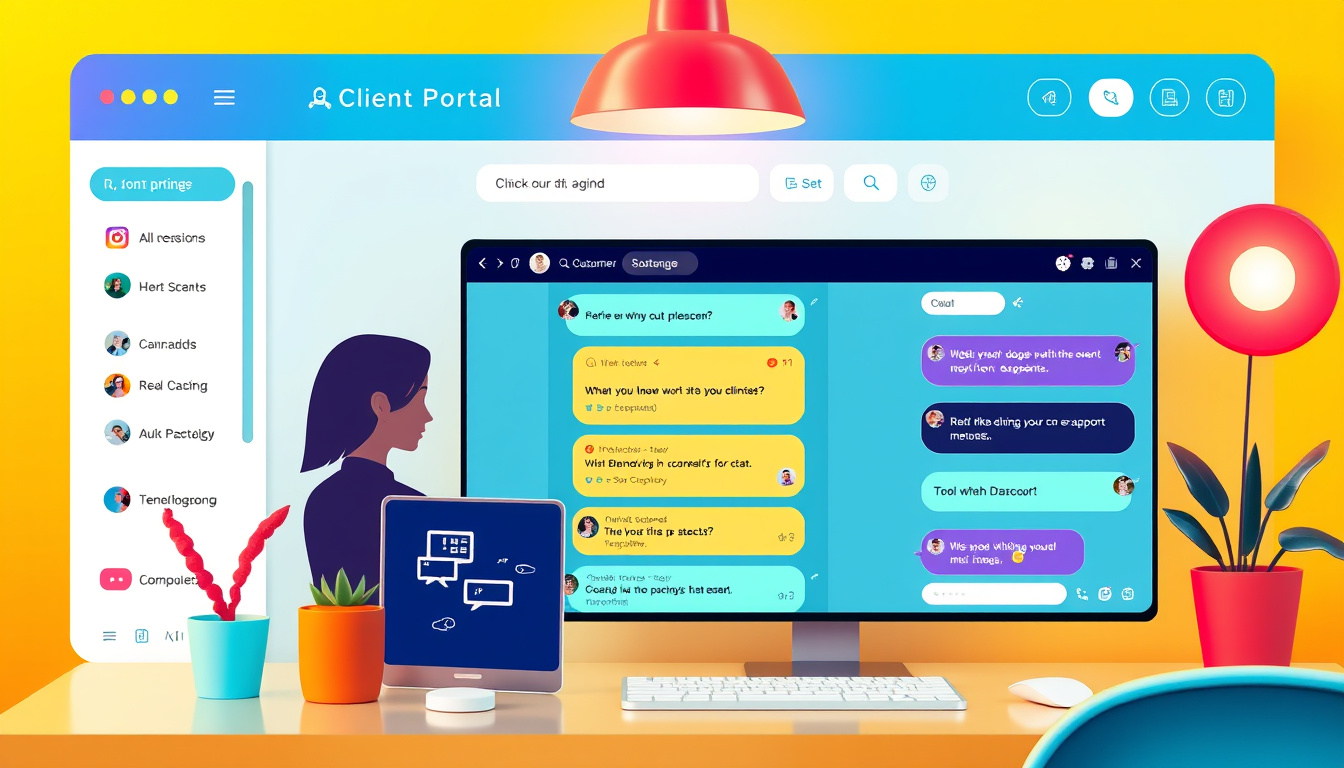
In today’s fast-paced digital world, seamless communication has become a hallmark of outstanding customer service. Recognizing this need, we are excited to announce the integration of real-time chat widgets within our Client Portal. This innovative feature allows users to enable chat widgets across various modules including Communities, Courses, and Affiliates, thus enhancing user support and engagement. With the ability to control the visibility of these chat widgets for each individual child app, we are paving the way for improved interaction and support experiences. In this article, we will explore the benefits of our chat widget integration and guide you through the setup process, ensuring you can take full advantage of this powerful tool.

Key Takeaways
- Real-time chat widgets enhance user support in the Client Portal by enabling direct communication.
- Users can independently control chat widget visibility for each child app within the portal.
- Further enhancements, such as Appointment & Booking integration, are on the way to improve user engagement.
Overview of the Chat Widget Integration
## Overview of the Chat Widget Integration
In a significant enhancement to user experience, the integration of Chat Widgets into the Client Portal of our platform has been officially announced, broadening the functionality of key modules including Communities, Courses, and Affiliates. This innovative feature enables users to activate chat widgets within individual child apps of the Client Portal, streamlining real-time communication and significantly enhancing support experiences. Each user enjoys the flexibility to control the visibility of the chat widget independently for every child app, although it is important to note that, as it stands, only one chat widget can be utilized across the entire platform.
Setting up the chat widget is straightforward: users can easily navigate to the settings section within the Client Portal, choose their preferred widget design, select the specific child apps where they want the widget to appear, and save their modifications. Once established, the widget will be accessible in both the GoKollab App and the Client Portal App, making it convenient for users to engage in support conversations without any hassle.
The motivation behind this strategic integration is to enhance support workflows and increase user engagement by making assistance readily available within the app itself, thereby reducing response times and improving satisfaction rates. To keep users even more excited, the article hints at upcoming developments focused on further integration for Appointments & Bookings, promising even greater enhancements in the near future.
Setting Up Chat Widgets in the Client Portal
To ensure a seamless setup of chat widgets, users should begin by logging into their Client Portal. Once inside, they will find a dedicated settings menu that houses all configuration options. After selecting the Chat Widget section, users can explore various widget designs to pinpoint one that aligns with their brand’s aesthetics. The next step involves choosing which child apps—be it Communities, Courses, or Affiliates—will feature the chat widget. By clicking on the specific apps and toggling the widget’s visibility, users can customize their experience based on the needs of their audience. After saving these settings, the chat widget will be activated and ready to engage users in both the GoKollab App and the Client Portal App, ensuring that support is just a click away. This tailored approach not only enhances real-time communication but also empowers users to manage their individual support environments effectively.
Zing Grow offers a comprehensive suite of tools to help businesses automate and enhance client relationships. Their platform provides features such as social media management, website chat widgets, forms and surveys, online appointment booking, email and SMS marketing, CRM and sales pipeline management, invoicing and payments, review and reputation management, and reporting and analytics. These tools streamline sales, generate leads, build brand presence, and improve customer engagement. For more information or to schedule a demo, visit their website.


