
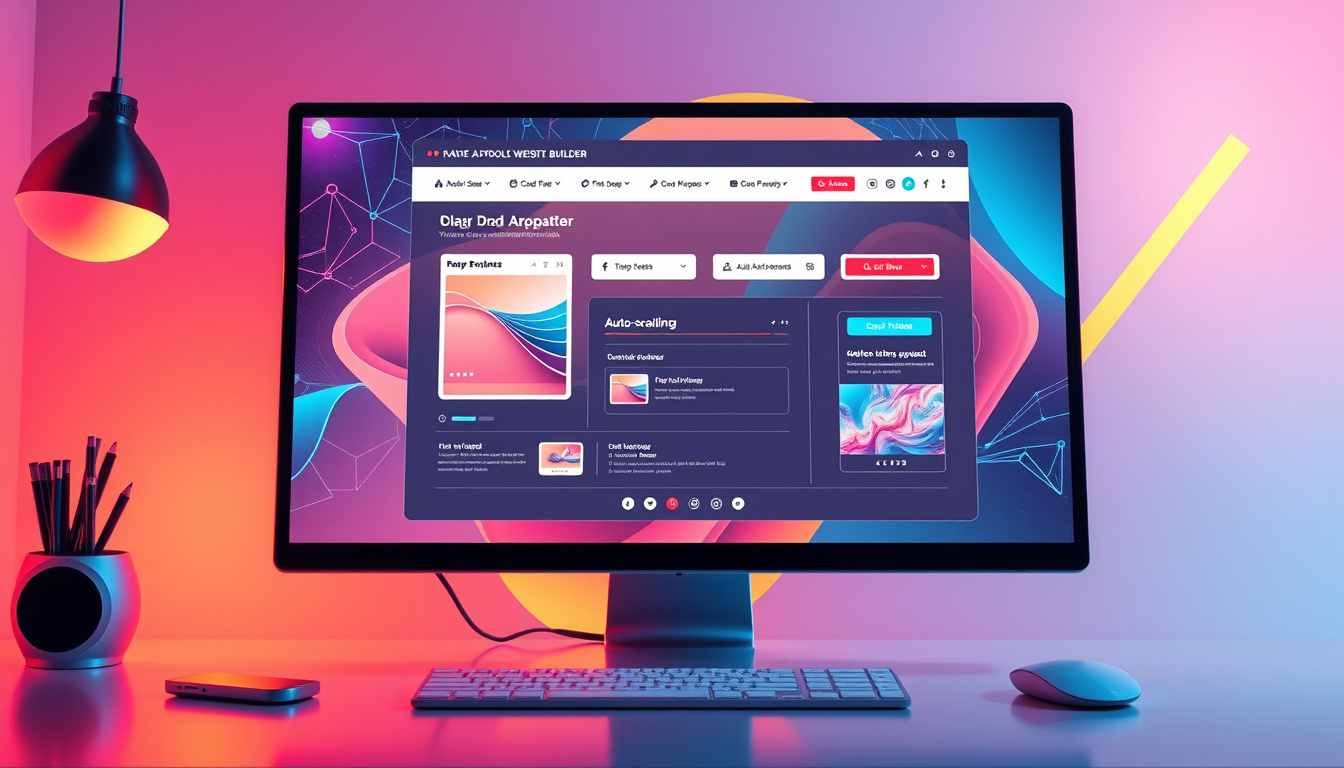
In the competitive landscape of digital marketing and website building, efficiency and usability are paramount. The latest update to the Funnel and Website Builder introduces a groundbreaking auto-scrolling feature that enhances the drag-and-drop experience for users. This innovative tool solves previous challenges associated with moving elements across lengthy page layouts, providing a seamless solution that is set to revolutionize how professionals create engaging web pages and funnels. In this article, we will explore the features and benefits of this auto-scrolling enhancement, delving into its impact on user experience and offering visual insights to illustrate the improvements.

Key Takeaways
- The new auto-scrolling feature simplifies the drag-and-drop experience in funnel and website builders.
- This enhancement automatically scrolls the screen when dragging elements close to the page edges.
- Visual comparisons in the article highlight the significant improvements in user experience with this update.
Overview of the Auto-Scrolling Feature
## Overview of the Auto-Scrolling Feature
In the ever-evolving world of website design, user experience remains paramount, especially when using tools like funnel and website builders. This article highlights an innovative auto-scrolling feature introduced in these builders, designed specifically for better element management within lengthy layouts. The auto-scrolling functionality automatically adjusts the screen when users drag elements, scrolling up or down as the cursor approaches the edges of the viewport. Historically, designers faced significant hurdles dragging items across expansive sections due to the absence of this feature, often resulting in frustrating manual scrolling. Now, with the implementation of auto-scrolling, users can reposition elements more efficiently, achieving a seamless drag-and-drop experience. In the following sections, we will demonstrate the evolution of this feature with visual comparisons that illustrate the significant improvements in usability and efficiency that the auto-scrolling capability brings to the table.
Benefits of the Enhanced Drag-and-Drop Experience
## Benefits of the Enhanced Drag-and-Drop Experience
The enhanced drag-and-drop feature streamlines the process of moving elements within a funnel or website builder, significantly elevating user productivity. By enabling auto-scrolling, this feature not only saves time but also reduces the cognitive load on users, allowing them to focus more on design and creativity rather than navigation challenges. This intuitive enhancement is particularly beneficial for users working with extensive layouts or complex pages, where precise element placement is crucial. Imagine effortlessly dragging a call-to-action button from the top of a lengthy landing page to its ideal position at the bottom without the interruption of having to scroll manually. Moreover, this update caters to both novice and experienced designers, creating an inclusive experience that encourages experimentation. Visual comparisons within the article further illustrate the drastic transformation from a cumbersome process to a fluid, engaging design experience, underscoring how this functionality can significantly enhance workflow efficiency.
Zing Grow offers a comprehensive suite of tools to help businesses automate and enhance client relationships. Their platform provides features such as social media management, website chat widgets, forms and surveys, online appointment booking, email and SMS marketing, CRM and sales pipeline management, invoicing and payments, review and reputation management, and reporting and analytics. These tools streamline sales, generate leads, build brand presence, and improve customer engagement. For more information or to schedule a demo, visit their website.


