
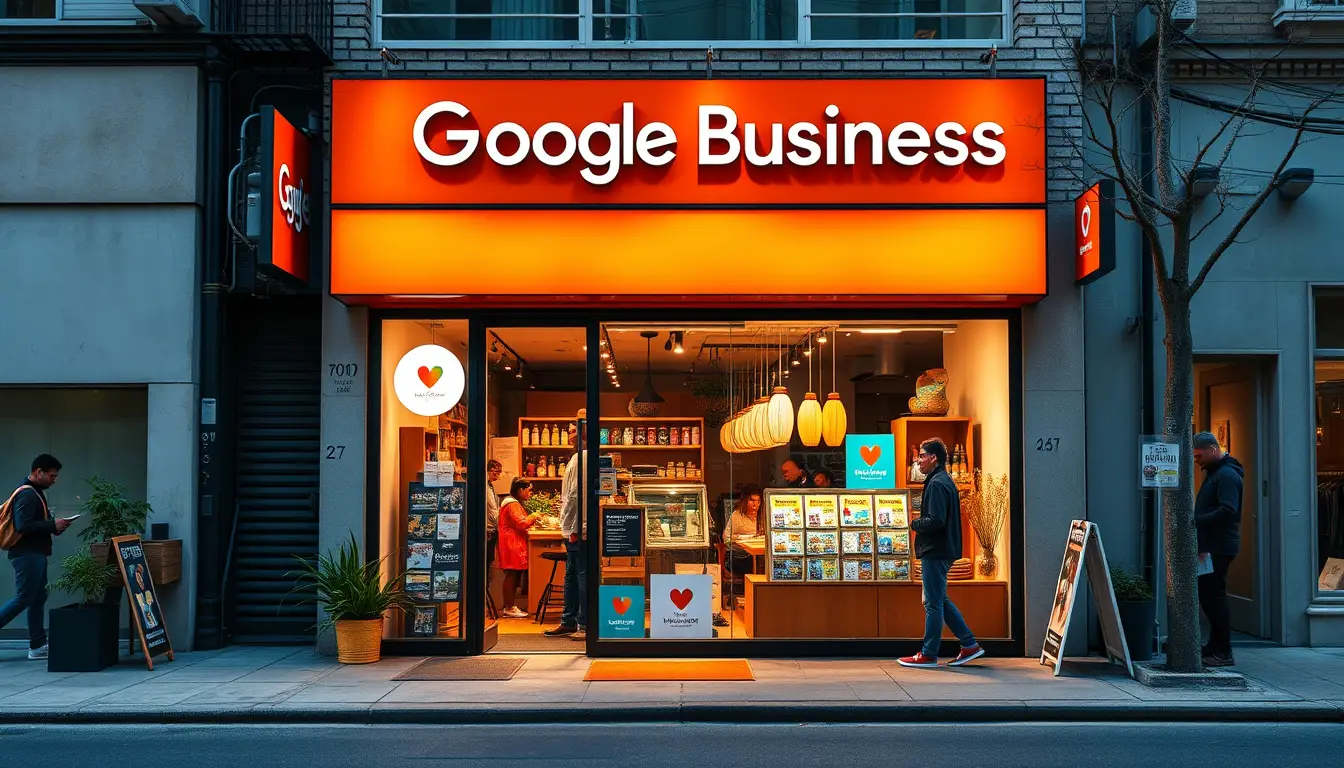
In today’s digital age, your business’s online presence is more important than ever, and a key element of that presence is your Google My Business (GMB) profile. One of the most crucial aspects of your GMB profile is the profile photo, as it often serves as the first impression potential customers will have of your brand. Understanding the ideal Google My Business profile photo size is essential in ensuring that your image looks professional and appealing. This guide will delve into the specific requirements for profile photo size, the importance of optimizing this visual element for your business’s success, tips for creating the perfect photo, and common pitfalls to avoid. Whether you’re a small business owner or a marketing professional, mastering your GMB profile photo can significantly elevate your business’s visual impact online.
 Experience the future of business AI and customer engagement with our innovative solutions. Elevate your operations with Zing Business Systems. Visit us here for a transformative journey towards intelligent automation and enhanced customer experiences.

Tips for Optimizing Your Google My Business Profile Photo
When it comes to enhancing your visibility on local search results, one key element is ensuring your Google My Business profile photo is optimized. The right dimensions for your Google My Business profile photo size not only improve the aesthetic appeal of your listing but also contribute to better engagement with potential customers. The ideal size for your profile photo is 250 x 250 pixels, which ensures it appears crisp and professional across various devices. Furthermore, it’s crucial to choose a high-quality image that reflects your brand—consider using your company logo or an image that highlights your products or services. To maximize visibility, ensure that the image is in a square format, meets the 10 MB maximum file size requirement, and is in a supported file type such as JPG or PNG. By adhering to these specifications, you’re more likely to attract attention and invite customers to learn more about your offerings, ultimately enhancing your local SEO efforts.
Common Mistakes to Avoid with Your Profile Photo Size
When optimizing your Google My Business profile, one crucial aspect to consider is the Google My Business profile photo size. Many business owners make the mistake of either uploading images that are too small, resulting in pixelation and a lack of professionalism, or choosing excessively large images that don’t fit the platform’s specifications. The recommended size for your profile photo is at least 250 x 250 pixels, but using images of 720 x 720 pixels is ideal for clarity and detail. Additionally, avoid using overly complex images; simple, clear photos work best since they remain recognizable even at smaller sizes. By adhering to the correct Google My Business profile photo size, you enhance your brand’s visibility and make a strong first impression on potential customers.
Frequently Asked Questions
What are the recommended dimensions for a Google My Business profile photo?
The recommended dimensions for a Google My Business profile photo are 720 pixels wide by 720 pixels tall. It’s important to ensure your photo is square to avoid distortion.
Why is the size of my Google My Business profile photo important?
The size of your profile photo is important because it impacts how your business appears in search results. A properly sized and optimized photo can enhance your visual appeal and help attract more customers.
How can I optimize my Google My Business profile photo?
To optimize your Google My Business profile photo, use high-resolution images, ensure the dimensions are correct, and choose a photo that effectively represents your business. Additionally, utilize proper file formats (JPEG or PNG) and appropriate file sizes to ensure quick loading times.
What common mistakes should I avoid when uploading my Google My Business profile photo?
Common mistakes to avoid include uploading photos that are too small or too large, using low-resolution images, neglecting to keep your profile photo updated, and failing to choose a photo that accurately reflects your brand.
Can I change my Google My Business profile photo after it’s uploaded?
Yes, you can easily change your Google My Business profile photo after it’s uploaded. Simply log into your Google My Business account, go to the photos section, and upload a new image to replace the current one.
[color=rgb(34, 34, 34)]Zing Business Systems revolutionizes customer engagement with its innovative communication solution. Our service ensures no missed call goes unanswered by transforming them into SMS conversations, bridging the gap between businesses and their customers. With our cutting-edge technology, we turn potential lost business opportunities into fruitful interactions, providing a seamless, modern communication experience. This approach not only enhances customer service but also supports digital marketing efforts. Experience the power of optimized communication and never lose business to a missed call again with Zing Business Systems.[/color]


