
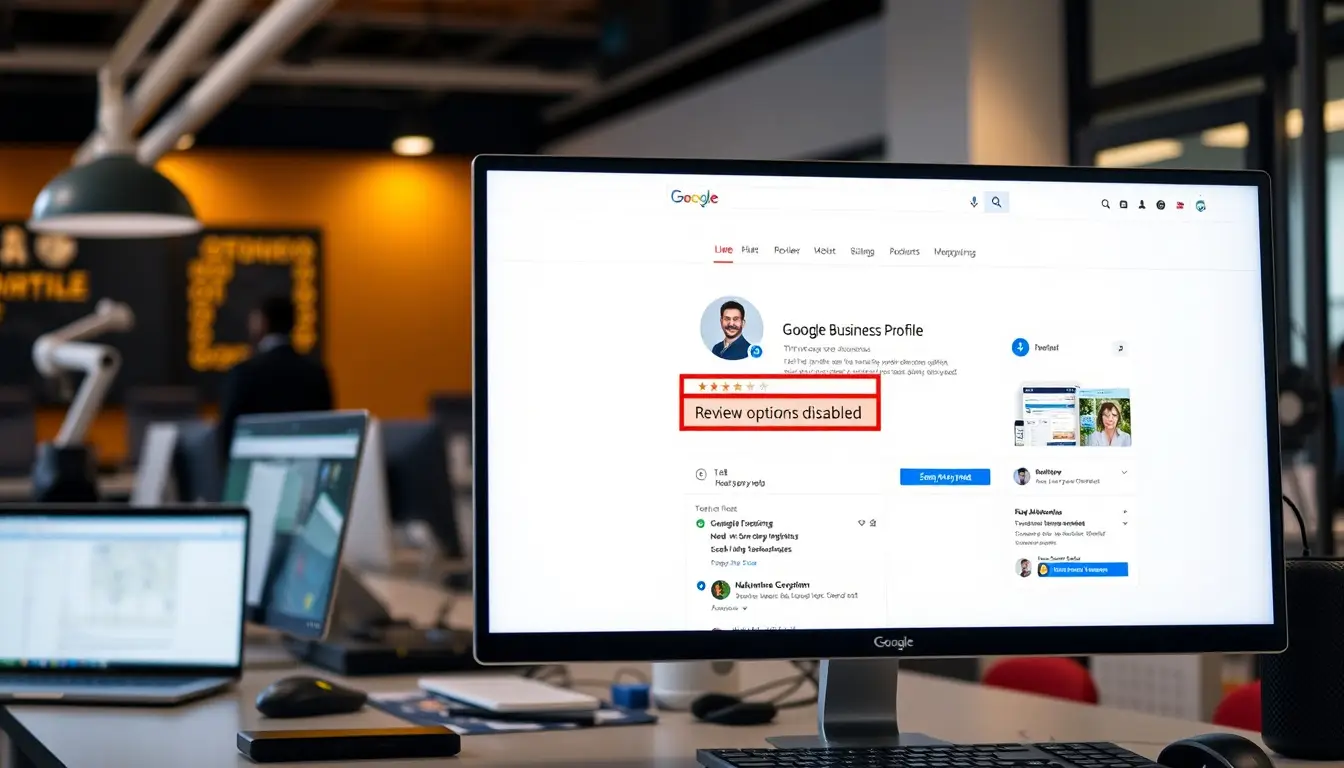
In today’s digital age, managing a Google Business Profile is essential for businesses looking to enhance their online presence and attract customers. However, you may find yourself wondering, ‘Can I turn off my Google Business Profile reviews?’ While reviews can significantly impact your business’s reputation, there are legitimate reasons why one might consider disabling them. In this article, we will explore the ins and outs of Google Business Profile reviews, delve into the reasons you might want to turn them off, and provide a comprehensive step-by-step guide on how to proceed. Additionally, we will discuss alternatives to disabling reviews, ensuring you make an informed decision that aligns with your business strategy.
Key Takeaways
- Google Business Profile Reviews can impact your business positively or negatively.
- There are valid reasons to consider disabling reviews, such as managing overwhelming negative feedback.
- The process of disabling reviews involves accessing your Google Business Profile settings.
- Alternatives to disabling reviews include replying to them or managing your online reputation through engagement.
- It’s important to weigh the pros and cons before deciding to turn off reviews on your profile.
Understanding Google Business Profile Reviews
Understanding Google Business Profile Reviews is crucial for any business looking to maintain a strong online presence. One common question that arises is, ‘can I turn off my Google Business Profile reviews?’ The short answer is no, businesses cannot completely disable reviews on their Google Business Profile. Google’s policy emphasizes transparency and encourages businesses to engage with their customers through reviews, which means that reviews are an integral part of the Google ecosystem. However, while you can’t turn them off, you can manage them effectively by responding promptly and professionally to both positive and negative feedback. This proactive approach not only helps in boosting your credibility but also aids in building stronger relationships with your customers. In essence, even though you can’t eliminate reviews, you can control your online narrative by being responsive and attentive to your audience’s opinions.
Reasons to Disable Google Business Profile Reviews
In today’s digital landscape, managing your online reputation is crucial, especially for businesses reliant on customer feedback to attract new clients. However, there are situations where you might wonder, ‘can I turn off my Google Business Profile reviews?’ While Google does not offer a direct feature to disable reviews, there are compelling reasons to consider limiting their visibility or responding strategically. For instance, if you are undergoing significant changes in your business, such as rebranding or a major renovation, negative reviews may not accurately represent your current offerings. Additionally, if you’re experiencing a surge in fake reviews or spam that could tarnish your business’s credibility, managing visibility until the situation is resolved can safeguard your reputation. Lastly, taking time to refine your customer service approach before soliciting feedback can lead to more positive reviews in the future, making it worthwhile to temporarily minimize visibility. Understanding these aspects can help you navigate the complexities of online reviews effectively while opting for strategies to improve your overall business presence.
‘The way to get started is to quit talking and begin doing.’ – Walt Disney
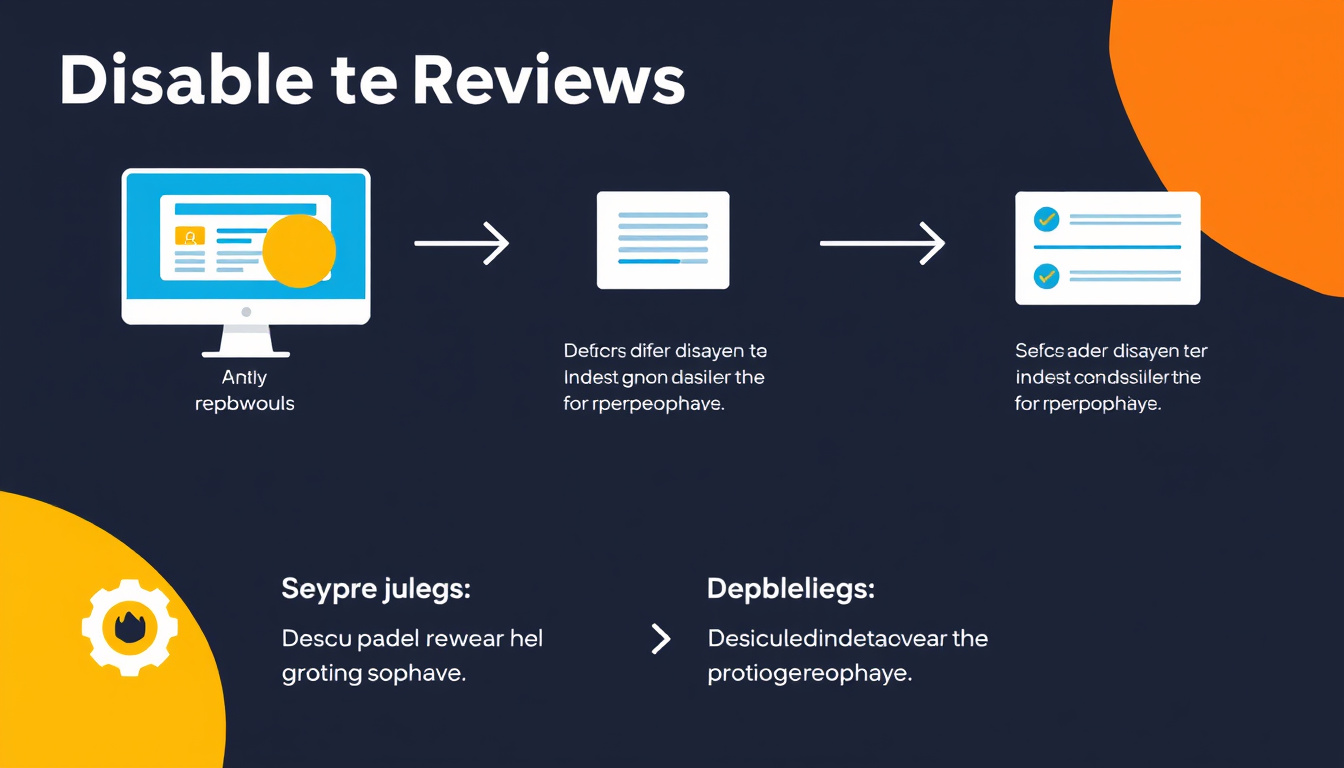
Step-by-Step Guide to Disable Reviews
If you’re wondering, ‘can I turn off my Google Business Profile reviews?’ the simple answer is no. Google does not provide an option to disable reviews entirely for your business profile. However, there are steps you can take to manage and mitigate negative reviews effectively. In this step-by-step guide, we will explore the available options for handling reviews, improving your online reputation, and ensuring that your business maintains a positive image. Start by claiming your Google Business account, and then familiarize yourself with the review management tools available within Google My Business. Although you cannot turn off reviews, you can respond promptly and professionally to all feedback, encouraging satisfied customers to leave positive reviews and helping to outweigh any negative comments. Additionally, monitoring reviews regularly and reporting any that violate Google’s review policies can help to keep your business profile authentic and trustworthy. Remember, a proactive approach can turn a challenging review situation into an opportunity for engagement and customer service excellence.
Alternatives to Disabling Google Business Profile Reviews
If you’re wondering, ‘can I turn off my Google Business Profile reviews?’ the answer is no—Google does not provide an option to disable reviews on your business profile. However, there are effective alternatives to managing your reviews instead of shutting them off completely. One approach is to actively monitor and respond to reviews, whether they are positive or negative. Engaging with customers shows that you value their feedback and are willing to improve your service. Additionally, you can implement a strategy to encourage satisfied customers to leave positive reviews, which can help offset any negative ones. Tools like Google Alerts can notify you when a review is posted, allowing you to respond promptly. Moreover, consider using metrics to analyze trends in your reviews, enabling you to identify areas for improvement in your business. Embracing reviews, rather than avoiding them, can enhance your online reputation and build trust with potential customers.
Frequently Asked Questions
Can I turn off my Google Business Profile reviews entirely?
No, you cannot turn off Google Business Profile reviews completely. However, you can respond to reviews and manage your profile to mitigate the impact of negative feedback.
Why would I want to disable Google Business Profile reviews?
You might want to disable reviews if you’re frequently receiving spammy or fake reviews, or if you’re going through a transition and want to minimize customer feedback during that time.
Is there a way to hide my reviews on Google Business Profile?
You cannot hide reviews directly, but you can choose to respond to them, flag inappropriate ones for removal, or manage your overall online reputation.
What are the alternatives to disabling Google Business Profile reviews?
Instead of disabling reviews, consider encouraging satisfied customers to leave positive feedback, responding to negative reviews constructively, and improving your customer service.
How can I manage my Google Business Profile reviews effectively?
To manage your reviews effectively, regularly monitor them, respond to both positive and negative feedback, flag inappropriate content, and engage with your customers to foster a positive reputation.
[color=rgb(34, 34, 34)]Zing Business Systems revolutionizes customer engagement with its innovative communication solution. Our service ensures no missed call goes unanswered by transforming them into SMS conversations, bridging the gap between businesses and their customers. With our cutting-edge technology, we turn potential lost business opportunities into fruitful interactions, providing a seamless, modern communication experience. This approach not only enhances customer service but also supports digital marketing efforts. Experience the power of optimized communication and never lose business to a missed call again with Zing Business Systems.[/color]


