
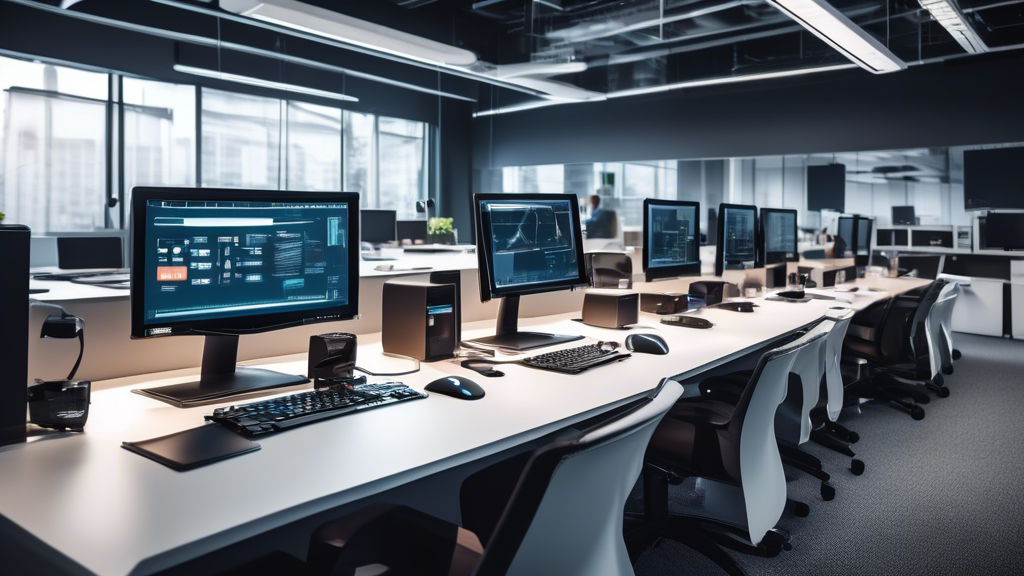
Picture this: You’re on the brink of catapulting your business to new heights. To make it happen, you’ll need a robust foundation, and in today’s digital age, that foundation largely hinges on choosing the right IT hardware. Even if you’re not a tech wizard, selecting the appropriate equipment doesn’t have to be a daunting task. Understanding a few key concepts can be the difference between a seamless operation and a series of frustrating headaches.
First, it’s vital to take a step back and assess your IT hardware requirements. This means identifying the scope of your business operations. Are you running a small online boutique or a sprawling e-commerce platform? The scale of your activities will directly influence the type of hardware you need. Next, think about performance needs and capacity. Your team’s ability to handle tasks efficiently hinges on having the right tools. For instance, the kind of processor your hardware utilizes can significantly impact speed and performance.
But don’t just think about today—plan for tomorrow too. Projecting future growth is crucial. The last thing you want is to constantly replace or upgrade hardware because your current setup can’t keep up with your expanding business. Scalability is the name of the game, ensuring your IT infrastructure can grow as your business does.
Once you have a grasp on your needs, it’s time to delve into the nitty-gritty of selecting IT hardware. Analyzing processor types and performance metrics can feel like decoding a foreign language, but breaking it down into understandable bits will help you make informed decisions. Similarly, understanding the differences between storage solutions, such as HDDs and SSDs, can significantly affect your system’s speed and efficiency.
Memory is another critical component. Think of it as your machine’s short-term memory—it needs enough to handle the tasks you throw at it. Then there are the peripherals and accessories—keyboards, monitors, and printers—that can either enhance or hinder productivity based on their quality and compatibility.
Lastly, don’t forget to consider energy efficiency and environmental impact. Opting for energy-efficient hardware not only reduces operating costs but also minimizes your carbon footprint, contributing to a more sustainable business model.
By breaking down these elements, you’ll be well-equipped to choose the right IT hardware, ensuring your business runs smoothly today and is poised for success tomorrow.
Understanding Your Needs: Assessing Your IT Hardware Requirements
Before diving into which shiny new IT hardware to buy, pause for a moment. Identifying your specific needs can save you a lot of time, money, and headaches down the road. Let’s break this down into digestible chunks.
Identifying the Scope of Your Business Operations
To start, you need to clearly understand the scope of your business operations. Is your business service-based, or do you primarily sell products online? Are you in a creative field needing high-end graphics, or do you mainly handle spreadsheets and email? The answers to these questions will guide your IT hardware choices.
For instance, a small retail business with a few point-of-sale (POS) systems might need sturdy, reliable desktops and a central server. However, a marketing agency dealing with high-resolution videos and graphics will require powerful workstations with top-tier processors and expansive storage solutions. Identifying the scope ties directly into the specific functions your employees perform on a daily basis.
Evaluating the Performance Needs and Capacity
Once you’ve pinpointed your business scope, it’s time to evaluate your performance needs and capacity requirements. Start by asking: What performance level is necessary for your business operations to run smoothly? Here are some key factors to consider:
Processor Requirements
The Central Processing Unit (CPU), or the brain of the computer, is a major component affecting performance. Simple tasks like word processing and browsing the web can be handled by mid-level processors (e.g., Intel Core i5 or AMD Ryzen 5). In contrast, demanding tasks like 3D rendering or big data analysis will require high-end CPUs (e.g., Intel Core i9 or AMD Ryzen 9).
Memory (RAM)
Random Access Memory (RAM) is crucial for multitasking. For basic tasks, 8GB of RAM might suffice. However, for more intensive activities such as video editing, 16GB or more is advisable. The more RAM available, the smoother your system will perform under load.
Storage Solutions
Storage isn’t just about quantity; speed matters too. Smaller businesses might be okay with traditional Hard Disk Drives (HDDs), but for faster performance, Solid State Drives (SSDs) offer a significant speed boost. We’ll get into the pros and cons of storage solutions more deeply in the next section.
Graphics and Display
If your business involves any graphic design, video editing, or 3D modeling, you’ll need a dedicated Graphics Processing Unit (GPU). High-performance GPUs are better at handling complex graphics and large video files efficiently. Even if you don’t need high-end graphics, ensuring a good display quality can enhance productivity, reducing eye strain and improving the user experience.
Projecting Future Growth and Scalability Requirements
Thinking ahead is key to making a sound IT hardware investment. It’s not just about meeting your current needs but also about where your business will be in the next 3 to 5 years. Here are a few pointers to keep in mind:
Anticipating Workforce Expansion
If you foresee hiring more employees, make sure your current IT infrastructure can accommodate that growth. This might mean investing in scalable solutions like cloud storage or modular networking hardware that can be easily expanded as you grow.
Assessing Data Growth
Your data storage needs will likely increase. Be sure to choose solutions that will allow you to easily add more storage. For example, opting for Network Attached Storage (NAS) enables you to add more drives as your storage needs increase. This approach is not only more efficient but also cost-effective in the long run.
Planning for Technology Advancements
Technology evolves quickly. Investing in hardware that is upgradeable can save you from having to make another huge investment when new technology becomes necessary. For example, choosing a computer with additional RAM slots or extra PCIe slots for future upgrades can extend the life of your equipment.
Assessing your IT hardware requirements isn’t just about the immediate needs but projecting what you’ll need as your business grows. By thoroughly understanding your business operations, evaluating performance needs, and planning for future growth, you can make strategic decisions that will benefit your organization in the long run. Knowing your needs helps you set a solid foundation, upon which you can make detailed, informed choices about the specific hardware components you’ll eventually purchase.
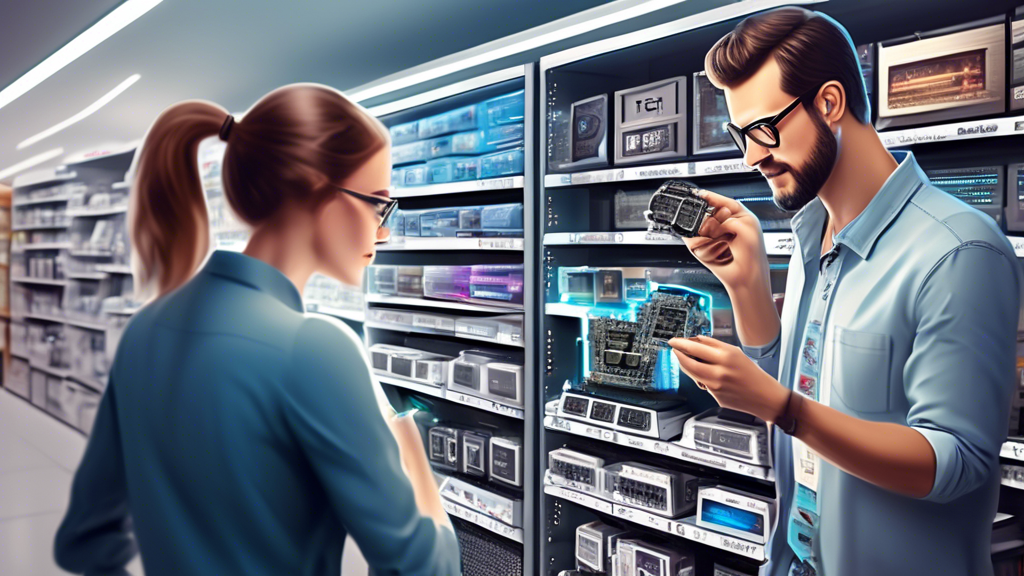
2. Key Factors to Consider When Selecting IT Hardware
Analyzing Processor Types and Performance Metrics
One of the most critical components of any IT hardware setup is the processor, often referred to as the CPU (Central Processing Unit). Think of it as the brain of your computer: it processes instructions and dictates how well your system will perform. When choosing a processor, you’ll encounter various types, chiefly among them Intel and AMD, each offering multiple models with varying performance capabilities.
Key performance metrics to consider include:
- Clock Speed: Measured in GHz, it indicates how many cycles a CPU can execute per second. Higher speeds generally mean faster performance, but actual efficiency can differ based on architecture.
- Cores and Threads: Cores are individual processing units within a CPU. More cores can handle more tasks simultaneously. Threads, double the number of cores, allow for even greater multitasking.
- Cache Memory: Located on the CPU, cache memory provides quicker data access than RAM. The larger the cache, the faster the CPU can retrieve essential data.
Considering these factors will ensure you pick a processor that fits your business’s computational demands, from basic clerical work to complex data analysis.
Comparing Storage Solutions: HDD vs. SSD
Storage is where all your applications, data, and operating systems reside. The main types of storage devices you’ll encounter are HDDs (Hard Disk Drives) and SSDs (Solid State Drives).
- Hard Disk Drives (HDDs): HDDs use spinning disks to read/write data and are generally larger in capacity but slower in performance. They tend to be less expensive, making them ideal for bulk storage needs.
- Solid State Drives (SSDs): SSDs use flash memory, meaning no moving parts and faster data access speeds. They are more expensive per GB than HDDs but provide significantly faster performance, reduced load times, and increased reliability.
For businesses requiring quick access to data and programs, SSDs are usually the better investment. However, if you need large storage space without the speed necessity, HDDs can be more cost-effective.
Assessing Memory Requirements for Optimal Performance
RAM (Random Access Memory) is crucial for the smooth operation of your IT hardware. RAM temporarily stores data your computer needs to access quickly, influencing the system’s ability to multitask efficiently.
Here’s what to look at:
- Capacity: Measured in GB (gigabytes), the higher the RAM, the more applications your system can handle at once. For basic tasks, 8GB is often sufficient, but for heavy applications like video editing or large databases, 16GB or more is advisable.
- Speed: Measured in MHz, RAM speed affects how quickly memory processes requests from the CPU. Higher speeds can improve performance but are generally less crucial than capacity for most business tasks.
Balancing enough capacity and adequate speed will help your systems run smoothly, ensuring that your team can work without frustrating delays.
Choosing the Right Peripherals and Accessories
Peripherals and accessories extend the functionality of your computer systems, ensuring that they meet your specific business needs. Key peripherals include:
- Monitors: The screen size, resolution, and type (LCD vs. LED) affect visibility and comfort during use. High-resolution screens are vital for graphic-intensive tasks.
- Keyboards and Mice: Ergonomic designs can reduce strain during extended use, while specialized options like mechanical keyboards can enhance typing experience and speed.
- Printers and Scanners: For businesses needing to handle physical documents, consider models that balance speed, quality, and operating costs (like ink or toner efficiency).
Additionally, don’t overlook the need for docking stations, external storage devices, and UPS units (Uninterruptible Power Supplies) to safeguard against power outages.
Considering Energy Efficiency and Environmental Impact
In today’s world, energy efficiency isn’t just about saving on utility bills—it’s about reducing the environmental impact. Energy-efficient IT hardware uses less power, generates less heat, and often comes with certifications like Energy Star.
Important factors to consider include:
- Power Supply Units (PSUs): Opt for high-efficiency PSUs that waste less energy as heat, typically those rated 80 PLUS Gold or above.
- Sustainable Materials: Look for hardware from companies who use recyclable materials and sustainable manufacturing processes.
- Energy Management Features: Modern hardware often comes with settings to reduce power consumption during idle times. Ensure these features are enabled and utilized.
Choosing energy-efficient hardware not only benefits your budget but also aligns your company with global sustainability goals.
By considering these key factors, you can select IT hardware that meets your business capacity, performance needs, and ethical standards, ensuring that your infrastructure is both robust and responsible.
In conclusion, selecting the right IT hardware for your business is a crucial task that demands careful consideration and strategic planning. By thoroughly understanding your current and future needs, you can make informed decisions that align with your operational goals and growth trajectory. First and foremost, assess the scope of your business operations to determine what hardware capabilities are necessary. This involves recognizing the specific functions and tasks your IT infrastructure must support, from everyday data processing to more specialized computational needs.
Next, delve into the nitty-gritty of performance requirements. Evaluate different processor types and performance metrics to find the best fit for your workload demands. Whether you require the raw power of high-end CPUs for complex computations or more modest processors for general office use, the right choice will significantly impact efficiency and productivity.
Storage is another critical component that cannot be overlooked. The debate between HDDs (Hard Disk Drives) and SSDs (Solid State Drives) is pivotal here. While HDDs offer more storage at a lower cost, SSDs provide faster access speeds and greater reliability, albeit at a higher price point. Weigh these factors to determine which storage solution best suits your needs.
Memory, or RAM, plays a vital role in ensuring smooth and efficient operation of your applications. Adequate memory prevents bottlenecks and allows for seamless multitasking, which is indispensable in a dynamic business environment. Analyze your software requirements and allocate sufficient RAM to handle current and anticipated workloads without compromising performance.
Don’t forget about the peripherals and accessories that will complement your main hardware. From monitors and keyboards to printers and external drives, these elements must be chosen to enhance productivity and user comfort. Additionally, consider the energy efficiency and environmental impact of your IT hardware choices. Opting for energy-efficient components not only reduces operating costs but also demonstrates a commitment to sustainable practices.
By carefully evaluating these crucial aspects, you can build an IT infrastructure that not only meets your immediate needs but also scales with your business as it grows. Remember, the right hardware can drive innovation, improve efficiency, and provide a competitive edge in today’s technology-driven marketplace. So, take the time to make informed choices and invest in equipment that will support your business now and in the future.


